

Article
Backups aren't the same as recovery
Having backup files isn't the same as being able to recover from a disaster. Here's the difference, and how to close the gap.
- PROTECT
6 min ·
INDUSTRY / CONSTRUCTION
A great bid goes quiet while the customer waits for a call that never comes. Field paperwork stalls in a truck for a week before the invoice can go out. Meanwhile, a fake email asking to change a subcontractor's bank details is one distracted moment away from getting paid. Cyber6 helps you close more bids, get paid faster, and stop payment fraud before it costs you a job's worth of margin.
5 min read
Inbox
From: acct-payments@steel-fabricat0rs.com
Updated remittance account for this week's payment
Please update our remittance account before Friday's payment.
New bank info attached.
The sender address acct-payments@steel-fabricat0rs.com looks like a real supplier but is spelled differently: steel-fabricat0rs.com.
WE GET IT
The bid that goes quiet
An estimator spends hours on a detailed bid, sends it, and moves on to the next one. Nobody calls the customer back, and the job goes to whoever followed up first.
Field paperwork stuck in a truck
A completed work order, a signed change order, and a materials receipt sit in a foreman's truck for a week before they make it to the office for billing.
Change orders that never get signed
Extra work happens on site because the crew has to keep moving, but the paperwork to bill for it lags behind or gets forgotten entirely.
The subcontractor bank-change email
Your AP clerk gets an email that looks like it's from a regular subcontractor, asking to update the account for the next payment before a deadline.
One tablet, every crew
A shared job-site tablet logs into project management software, email, and sometimes banking apps, and nobody's tracked who has access to it.
Job costs found out too late
A project comes in over budget, but nobody notices until it's closed out, because labor and material costs aren't tracked against the estimate in real time.
A GC's security questionnaire lands on your desk
A general contractor or owner sends a security requirements form before awarding a contract, and nobody on your team knows how to answer it.
Defense and government work requirements
A contract mentions CMMC or NIST 800-171 requirements, and it's not clear what that means for your systems or whether you qualify to bid.
THE IMPACT
Bids that never converted
A bid nobody follows up on is a job that goes to a competitor, even when your price and quality were better.
Cash tied up in the field
Every day paperwork sits before it's billed is a day of cash you don't have. Slow field-to-invoice time strains payroll and materials purchasing.
A subcontractor payment sent to a fraudster
Once a payment goes to a fake account, it's usually gone. It's treated as a business loss, not a bank error, and insurance may not cover it.
A job you can't see is losing money
Without real-time job costing, a project can run over budget for weeks before anyone catches it, cutting into margin you already counted on.
Lost bids from compliance you weren't ready for
An owner or GC's security or CMMC requirement can knock you out of a bid if you can't show you meet it, even if your work is a good fit.
COMPLIANCE
This is general information, not legal advice.
THE FIX
AUTOMATE
The right customers find you on Google, AI search, and social, in your own voice.
Every call, text, form, and quote turns into booked work.
Estimate follow-up
Every bid gets a scheduled follow-up sequence by email and text, so no estimate goes cold from silence.
Customers hear from you at the right time, without your team chasing them.
Money you've already earned comes in sooner, without awkward phone calls.
Less retyping and waiting, more time for the work that matters.
Field-to-invoice
Field tickets, change orders, and completion photos flow into the invoicing system as soon as they're captured on site.
Job profitability tracking
Labor, material, and subcontractor costs are tracked against the estimate as the job runs, with alerts when a job drifts off budget.
PROTECT
Any request to change a subcontractor or vendor's bank account triggers a required phone call to a known contact before the payment goes out.
What this means for you: A convincing fake email can't move money on its own.
Job-site tablets and phones are enrolled in management software that enforces passcodes, allows remote wipe if lost, and keeps business apps separate.
What this means for you: A lost or stolen tablet doesn't hand over project files or system access.
Your project management, accounting, and email systems require to log in, not just a password.
What this means for you: A stolen password from a phishing email isn't enough to get into your systems.
Drawings, contracts, and job files are backed up automatically, with copies kept separate from your main network.
What this means for you: A ransomware attack or a lost laptop doesn't mean starting a project's paper trail over.
EMPOWER
Accounts payable and office managers
How subcontractor bank-change fraud works, real examples of the emails used, and the verification step that stops it.
Project managers and site superintendents
How to spot phishing aimed at project data, and safe habits for shared job-site devices.
A DAY WITH CYBER6
6:45 AMAUTOMATE
A foreman photographs a completed change order on a tablet, and it's already routed toward invoicing before the crew starts work.
11:20 AMPROTECT
A fake email asking to change a subcontractor's payment account is flagged and your AP clerk calls the sub directly to confirm it's fraud.
2:00 PMAUTOMATE
A project manager gets an alert that a job is trending five percent over budget on labor, while there's still time to adjust.
4:30 PMEMPOWER
Your office manager reports a suspicious text asking for a wire transfer, recognizing it from last quarter's training.
YOUR TOOLS
We work alongside the systems you already use. We'll confirm what connects during your assessment.
QUESTIONS
We work alongside the major platforms and confirm exactly what connects during the assessment.
Not directly, but many owners and GCs are adopting similar security expectations in their own contracts, so it's worth understanding what they ask for.
One phone call to a known number before a bank change takes effect. It adds minutes, not days, and it's the single biggest thing that stops this fraud.
It can be, but it's fixable. We set up device management so a lost or shared device doesn't expose project data or system access.
Yes. We can work alongside them on security and automation, or take over fully.
How fast you follow up on bids, how field paperwork moves to invoicing, and how payments are verified, with a plain-English summary of what to fix first.
RESOURCES
Having backup files isn't the same as being able to recover from a disaster. Here's the difference, and how to close the gap.
6 min ·

Cyber insurance applications ask detailed questions about your controls. Here is what to expect and how to answer accurately.
6 min ·

Fake invoices cost businesses real money every week. Here are the warning signs to check before you approve a payment.
6 min ·
Every result is measured against your own starting point.
How we prove it →PART OF ONE PARTNER
Protect · IT & Cybersecurity
IT and cybersecurity, managed around the clock.
You're here
Empower · Training for Businesses & Individuals
Training that builds skills for your team and your career.
Explore EmpowerWHY CYBER6
One partner, not three vendors
The people automating your work also run and protect your IT and train your team, so nothing falls between companies.
Plain language and real people
You talk to people who explain things clearly, answer the phone, and tell you what they'd do in your place.
Measured against your own numbers
We record where you start before anything changes, then report results against that baseline.
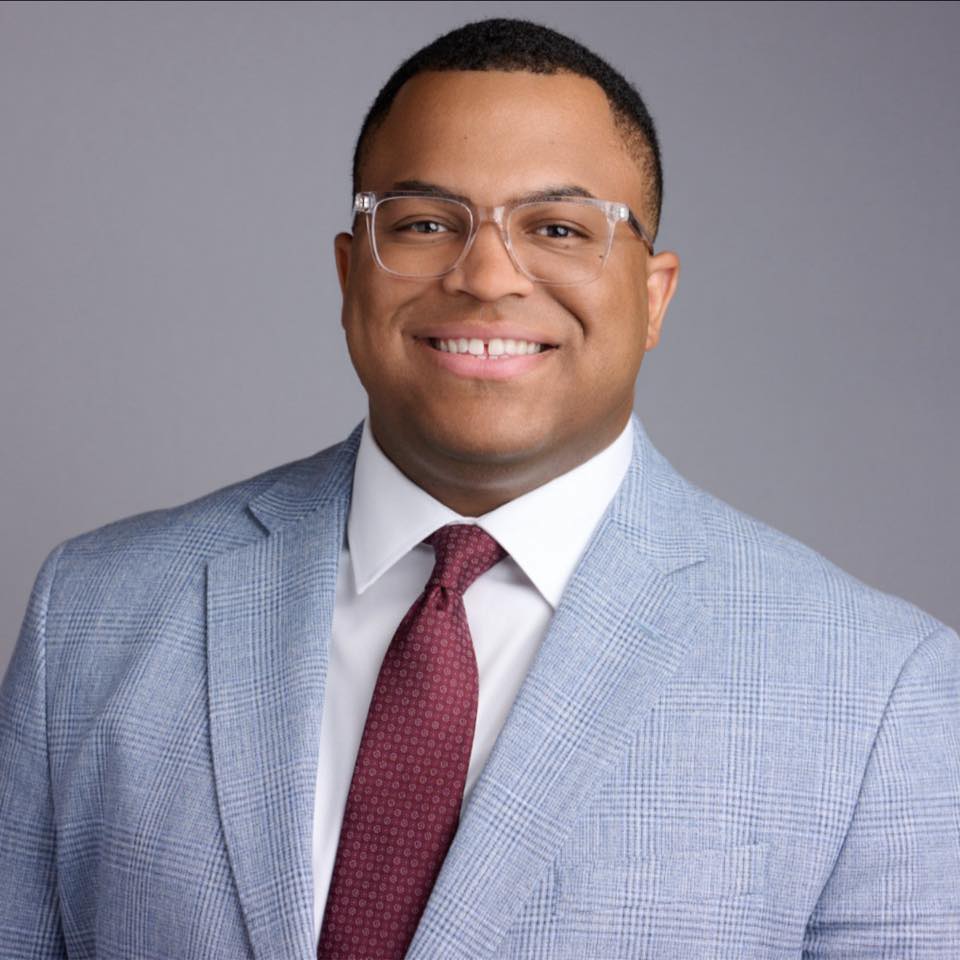
Marquis Carroll, Founder & CEO. Marquis has spent years doing hands-on IT and security work through his own business, and runs a mentorship program that has helped people start careers in tech.
Our storyGETTING STARTED
Explore
A relaxed 30-minute conversation about how your business runs and what's getting in the way. No cost, no pressure.
You get: honest answers on whether we can help.
Assess
We look at your systems, security, manual work, and training needs, and record your starting numbers.
You get: a plain-English picture of your risks and opportunities.
Set up
A prioritized plan and proposal, then a kickoff that introduces your team and sets up access safely.
You get: a shared timeline and who to call for what.
Enable
We roll out in phases, train your team, and walk you through your first results.
You get: your first plain-English report, measured with PROVE.
A 30-minute call. No cost, no pressure, and honest answers.