
FOR MEDICAL PRACTICES
- Primary care
- Specialty practices
- Multi-provider groups
- Behavioral health
- Physical therapy
Patients scheduled, staff freed from admin, and patient data protected.
AI & automation, managed IT & cybersecurity, and training for medical practices, built by a cybersecurity team.
What medical practices are up against
Admin crowds out patient care.
- Phones, intake, and reminders take hours every day.
- Prior authorizations and balances stall.
Downtime stops care.
- Ransomware can take your EHR offline.
- Connected devices and vendors widen the attack surface.
Everyone touches patient data.
- Clinical and front-office staff need different training.
- AI note tools need clear rules.
01 / AUTOMATE · AI & AUTOMATION
How AI & automation works for medical practices
Five foundations, each aimed at a place medical practices lose time or money. Built by a security team and measured in your own numbers.
WHAT WE CAN DO FOR YOU
Everything we can automate for medical practices
Organized by the five foundations. Start with one, add more as it works.
- Quick win: Most businesses start here.Most businesses start here.
- Bigger build: More integration work, usually part of a larger plan.More integration work, usually part of a larger plan.
- Managed partner tool: We set up and manage a specialized, vetted tool under our Secure Build Standard.We set up and manage a specialized, vetted tool under our Secure Build Standard.
WHAT CHANGES FIRST
- SERVE CUSTOMERS
Fewer no-shows
- GET CUSTOMERS
Book new-patient calls you used to miss
- RUN THE BUSINESS
Intake done before the visit
- GET PAID
Follow up on every unscheduled treatment plan
- GET FOUND
Found by new patients nearby
02 / PROTECT · IT & CYBERSECURITY
How we protect medical practices
We keep your EHR, devices, and network running and protect patient information the way HIPAA expects.
Threats we see in medical practices
Ransomware on the EHR and scheduling
Care slows or stops.
Phishing aimed at staff with system access
Fake payer, lab, and vendor emails.
Connected devices on the practice network
Devices that can't be patched need separation.
Third-party access
Billing services and software vendors connecting remotely.
What we run for you
What you get every month
- Monthly security summary
- Backup and restore status
- Training completion
- Open risks
03 / EMPOWER · TRAINING
How we train medical practices teams
Training for clinical and front-office teams, mapped to HIPAA, with records kept.
For your people's careers: certifications and mentorship through the Cyber6 Academy
Visit the Academy →Rules medical practices have to follow, and how we help
HIPAA Security Rule
What it asks for: Assess risk, protect electronic patient information, train your workforce.
How Cyber6 helps: Risk analysis, safeguards, training, documentation.
ProtectEmpowerHIPAA Breach Notification Rule
What it asks for: Notify after certain breaches.
How Cyber6 helps: Incident response plan and support.
ProtectBusiness associate agreements
What it asks for: Required for vendors handling patient data.
How Cyber6 helps: We sign ours and track yours.
ProtectAutomateCyber insurance requirements
What it asks for: MFA, endpoint protection, backups, training.
How Cyber6 helps: Gap closing and evidence.
ProtectEmpower
Requirements depend on your size, location, and situation. We help you work toward them and keep the evidence; we're not your attorney or auditor, and we don't certify compliance.
A day at a medical practice, with Cyber6 in the background
EXAMPLE
7:00 AMAutomate
Patients complete intake forms on their phones.
Charts are ready before the first visit.
1:20 PMProtect
Someone signs in to a staff account from another country.
Multi-factor sign-in blocks it and the account is secured.
3:45 PMEmpower
A provider asks whether an AI tool is approved.
The answer is in the AI use policy from training.
One partner, so nothing falls between vendors.
Built secure
Every automation is built to our Secure Build Standard and watched by our security team.
WHAT EVERY PLAN INCLUDES
Every plan includes the same support.
- 01
Discovery and baseline
We record your starting numbers before anything changes.
- 02
Build and connect
We connect the tools you already use, built to our Secure Build Standard.
- 03
Testing before launch
Every workflow is tested against real scenarios before customers see it.
- 04
Team training
Your team learns how it works and what to do when something needs a person.
- 05
Monitoring
We watch your automations after launch, not just at setup.
- 06
Monthly results report
Plain-English results against your baseline from Cyber6 Core.
- 07
Changes and improvements
Adjustments as your business changes as part of your plan.
- 08
Documentation and your data
Every workflow is documented, and your data can be exported if you ever leave.
SUPPORT AFTER LAUNCH
A real team behind it.
Who you talk to
A named point of contact who knows your business.
How fast we respond
Standard service levels by priority, with urgent issues answered within minutes during business hours.
What we watch
Failed messages, broken connections, and unusual activity are flagged to our team, and we fix or escalate them.
Start with one pillar or combine them. Combined plans get one point of contact and one report.
Questions from medical practices
Yes. We sign a business associate agreement before we touch any patient information.
All the major ones. Tell us which you use and we'll make it work.
Yes. Backups, tested recovery, and a written downtime plan are part of Protect.
We help you choose approved tools, set rules, and train staff. Clinicians approve every note.
Every plan comes with a clear written agreement and standard service levels. We'll walk through the terms on your discovery call.
It depends on your business and the systems involved. Quick wins go first, and we'll give you a timeline after the discovery call.
It's yours. We export your data and workflow documentation and remove our access.
No. Most businesses start with one foundation and add more as results come in.
Don't see it? Ask.
If a task is repetitive, follows a pattern, and lives in your phones, inbox, calendar, or software, we can likely automate it. If we can't, or shouldn't, we'll tell you.
- It happens often
- It follows a pattern
- It uses tools you already have
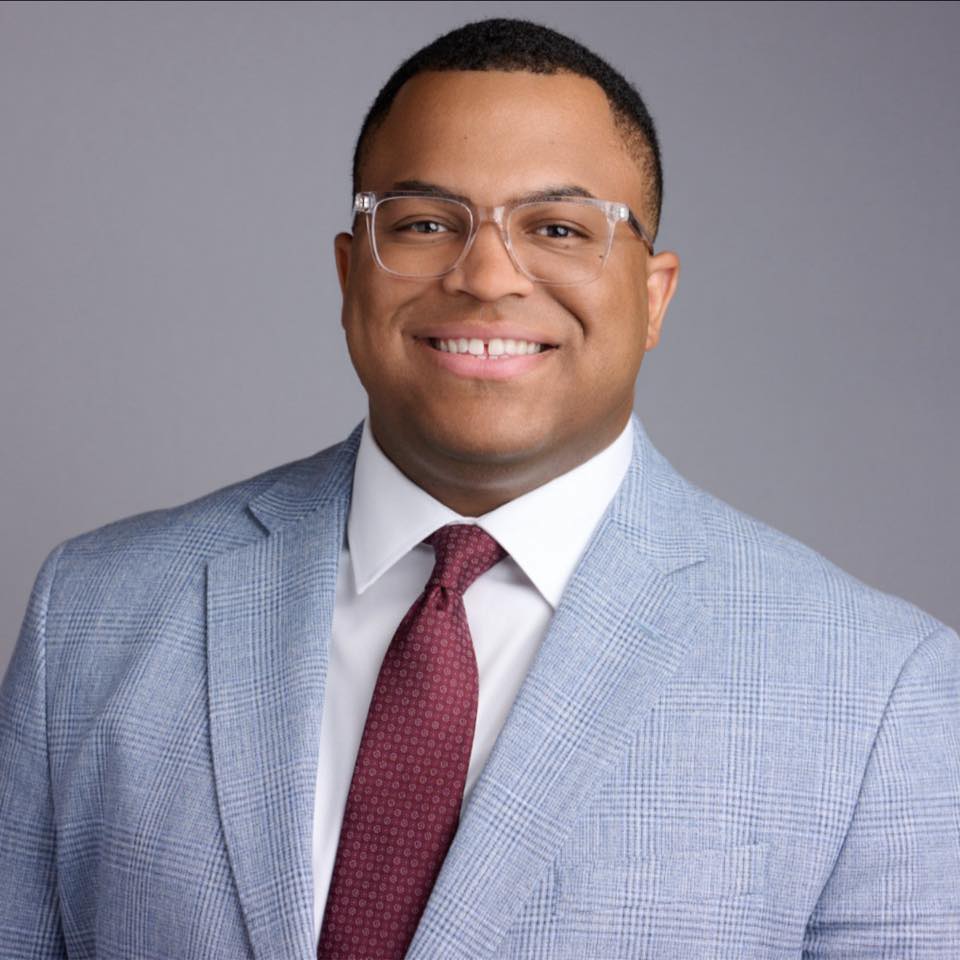
Marquis Carroll, Founder & CEO, has 15 years in IT and cybersecurity. He builds every automation the way he'd secure it.