
- PROTECT
SIM swapping: how attackers steal your phone number
SIM swapping is a form of identity theft where an attacker tricks a mobile carrier into porting a victim's phone number to a new device, allowing them to bypass SMS-based multi-factor authentication.
Cyber6 Team · · Last reviewed · 6 min read
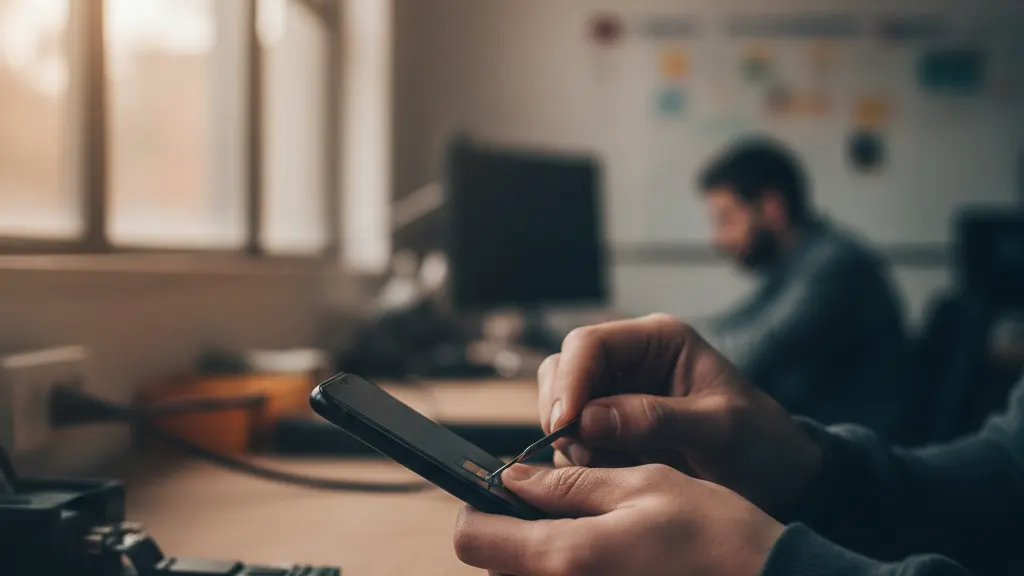
The mechanics of a SIM swapping attack
SIM swapping, also known as 'port-out fraud,' is a sophisticated type of identity theft that exploits a vulnerability in the way mobile phone carriers manage customer accounts. The 'SIM' (Subscriber Identity Module) is the small chip in your phone that tells the network who you are. In a SIM swap attack, the criminal does not need to steal your physical phone. Instead, they steal your identity to take over your phone number. This allows them to intercept all communications sent to that number.
The attacker begins by gathering personal information about the victim, such as their Social Security number, date of birth, and home address. Once they have enough data, they contact the victim's mobile carrier and pretend to be the account holder. They claim they have lost their phone or have a new device and ask the customer service representative to 'swap' the phone number to a new SIM card that the attacker already possesses. If the representative is convinced, the victim's phone is deactivated and the attacker's phone becomes the 'real' device for that number.
Attackers often use social engineering to trick the carrier's employees. They might claim to be in an emergency or use a professional-sounding tone to build trust. Once the swap is complete, the victim has no way of knowing their number has been stolen until they notice their phone has lost all service. By that time, the damage may already be done.
Why your phone number is the ultimate prize
For a cybercriminal, your phone number is a key that opens many doors. Most online services—including banks, email providers, and social media platforms—use your phone number as a way to verify your identity. If you forget your password, the service will send a 'password reset' code via SMS to your phone number. This is known as two-factor authentication, but it is the weakest form available because it depends on the security of the mobile carrier.
Once the attacker has swapped your SIM, they receive all of your calls and text messages. They can then go to your bank's website, click 'forgot password,' and receive the verification code directly on their device. Within minutes, they can drain bank accounts, change recovery email addresses, and lock you out of your entire digital life. They can also use your number to send fraudulent messages to your contacts, further spreading the scam.
Signs that you have been SIM swapped
The most immediate sign of a SIM swap is that your phone suddenly loses all cellular service. You will not be able to make calls, send texts, or use mobile data, even if you are in an area with good reception. You might see a 'No Service' or 'SOS Only' message at the top of your screen. This happens because the network has deactivated your SIM card and activated the attacker's.
Another sign is receiving notifications about changes to your accounts that you did not make. For example, you might get an email saying your bank password was changed or that a new device has logged into your email account. If you see these signs, you must act quickly to secure your digital identity.
Moving beyond SMS for multi-factor authentication
The best way to protect yourself from SIM swapping is to stop using SMS for multi-factor authentication (MFA). While SMS is better than no MFA at all, it is the least secure method because it relies on the security of the mobile carrier, which is often weak. Switch to more secure methods that don't depend on your phone number.
- Authenticator Apps: Use apps like Google Authenticator, Microsoft Authenticator, or Authy. These generate codes locally on your device and do not rely on your phone number or the cellular network.
- Hardware Security Keys: Devices like YubiKeys provide the highest level of protection by requiring a physical tap to authorize a login. These cannot be remotely bypassed by a SIM swap.
- Passkeys: Adopt passkey technology where available, which uses biometric data (like a fingerprint or face scan) to log you in without a password or SMS code.
Steps to secure your mobile account
In addition to changing your MFA methods, you can take specific steps with your mobile carrier to make a SIM swap more difficult for an attacker. Most major carriers offer additional security features if you ask for them.
- Set up a 'Port-Out PIN': Ask your carrier to add a unique, strong PIN that must be provided before any changes can be made to your SIM or account.
- Use a strong, unique password for your mobile carrier's online portal and enable MFA for that account as well.
- Avoid sharing your primary phone number on public social media profiles, company websites, or online directories.
- Be wary of phishing emails or texts that try to trick you into revealing your account PIN, Social Security number, or other personal information.
What to do next
- 01Audit your sensitive accounts (banking, email, work) and switch from SMS-based MFA to an authenticator app today.
- 02Call your mobile carrier and verify that you have a Port-Out PIN or 'SIM Lock' enabled on your account.
- 03Educate your employees about the risks of SIM swapping, especially for those with access to corporate financial systems and customer data.