
- PROTECT
Smishing: how text message scams target your employees
Smishing uses deceptive text messages to trick employees into revealing sensitive information or downloading malware onto their mobile devices.
Cyber6 Team · · Last reviewed · 6 min read
The rise of smishing in the workplace
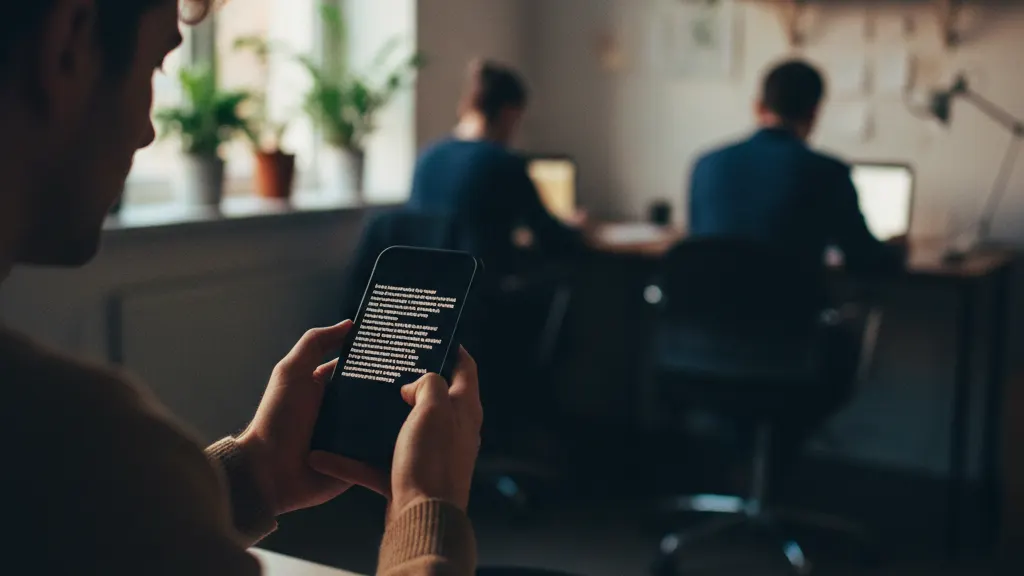
Smishing, or SMS phishing, is a form of cyberattack that uses mobile text messages to deceive victims. As more employees use their personal phones for work or receive work notifications via text, the risk of smishing has grown. Many people are more likely to trust a text message than an email, which makes this a highly effective tactic for criminals. The intimacy of a mobile device makes a text feel more personal and immediate than a message in a crowded email inbox.
Because text messages are short, attackers can hide their intent behind a simple link or a request for a quick response. These messages often bypass the security filters that protect company email systems, reaching the employee directly on their personal device. This 'direct-to-user' path is why smishing has become a favorite tool for attackers looking to bypass corporate defenses. It moves the attack away from a protected computer and onto a less secure mobile phone.
Small businesses are particularly vulnerable because they often have 'bring your own device' (BYOD) policies. When an employee uses the same phone for personal texts and work communication, the lines between safe and unsafe messages become blurred. A single click on a malicious link can lead to a total compromise of the user's accounts, which may then be used to access sensitive company data.
Common smishing tactics and examples
Attackers use several common themes to lure victims into clicking. These themes often involve financial institutions, delivery services, or government agencies. The goal is to create a situation that requires a fast response.
- The Bank Alert: A text claiming your account has been locked due to 'unusual activity' and you must 'verify your identity' by clicking a link.
- The Delivery Notice: A message from a service like UPS or USPS stating a package is held due to an incorrect address or an unpaid 'customs fee.'
- The Government Warning: A text pretending to be from the IRS or a local court regarding an unpaid fine, a tax refund, or a jury summons.
- The 'Quick Favor' Scam: A message that appears to be from a manager asking the employee to buy gift cards for a client or an office event.
- The Security Update: A text claiming your Apple ID or Google account has been compromised and needs an immediate password reset.
In the 'Quick Favor' scam, the attacker might even use the employee's name to increase the sense of legitimacy. They gather this information from company websites or social media. By posing as a busy executive, they discourage the employee from calling to verify the request, hoping the staff member will simply follow instructions to be helpful.
Why smishing is dangerous for businesses
When an employee clicks a smishing link, they are usually directed to a fake login page that steals their credentials. If they use the same password for their work accounts, the attacker now has access to the business network. Some smishing links can also download malicious software onto the phone that can track keystrokes, record calls, or access the camera and microphone.
Furthermore, if an employee's phone is infected with malware, it can spread to the company's network when they connect to the office Wi-Fi or use a VPN. The mobile device becomes a bridge that allows the attacker to cross over from the public internet into your private business environment.
How to spot a smishing message
Identifying a smishing message requires looking for specific signs that the text is not legitimate. Train your team to look for these red flags every time they receive a message from an unrecognized sender.
- Look for unusual phone numbers, especially long-digit numbers (more than 10 digits) or international codes you don't recognize.
- Check for poor grammar, spelling errors, or strange phrasing, which are common in automated scam messages sent from overseas.
- Notice if the link uses a URL shortener like bit.ly, tinyurl.com, or an unusual domain extension to hide the actual destination.
- Watch for extreme urgency or threats, such as 'Your account will be closed in 10 minutes' or 'Legal action will be taken.'
- Be wary of messages that arrive at odd hours, such as late at night or early on a weekend morning.
Best practices for mobile security
Businesses should establish clear guidelines for how employees interact with text messages on work-related devices. Encourage staff to never share passwords, multi-factor codes, or sensitive business data via text message. A culture of safety starts with clear expectations.
- Use a mobile device management (MDM) solution to secure and monitor company-owned phones.
- Instruct employees to report suspicious texts to the IT team immediately so the sender can be blocked at the network level.
- Advise staff to go directly to a company's official website rather than clicking a link in a text message.
- Remind employees that reputable organizations like banks or the IRS will never ask for a password or Social Security number over a text.
- Encourage the use of authenticator apps like Google Authenticator or Microsoft Authenticator instead of SMS-based codes.
Education is the most powerful tool against smishing. When employees understand the tactics that attackers use, they are much less likely to fall for them. Regular 'test' texts can also help keep security top-of-mind for your entire team.
What to do next
- 01Add mobile security and smishing awareness to your quarterly cybersecurity training sessions.
- 02Encourage employees to use authenticator apps instead of SMS for their multi-factor authentication prompts.
- 03Create a clear process for employees to verify urgent requests from leadership that arrive via text message.