
FOR LAW FIRMS
- Small and mid-size firms
- Personal injury
- Family law
- Estate planning
- Real estate law
- Business law
Every inquiry answered, client confidences protected, and AI your attorneys can use responsibly.
AI & automation, managed IT & cybersecurity, and training for law firms, built by a cybersecurity team.
What law firms are up against
Intake and admin eat billable time.
- Inquiries wait, and prospects hire whoever called back first.
- Billing and documents take hours to prepare.
Client money and confidences are targets.
- Wire instructions get spoofed in closings and settlements.
- Clients send security questionnaires you have to answer.
Competence now includes technology.
- Attorneys need clear rules for AI.
- Staff get targeted with convincing client impersonations.
01 / AUTOMATE · AI & AUTOMATION
How AI & automation works for law firms
Five foundations, each aimed at a place law firms lose time or money. Built by a security team and measured in your own numbers.
WHAT WE CAN DO FOR YOU
Everything we can automate for law firms
Organized by the five foundations. Start with one, add more as it works.
- Quick win: Most businesses start here.Most businesses start here.
- Bigger build: More integration work, usually part of a larger plan.More integration work, usually part of a larger plan.
- Managed partner tool: We set up and manage a specialized, vetted tool under our Secure Build Standard.We set up and manage a specialized, vetted tool under our Secure Build Standard.
WHAT CHANGES FIRST
- GET CUSTOMERS
Respond to every inquiry the same day
- RUN THE BUSINESS
More work through busy season
- GET PAID
Invoices paid sooner
- SERVE CUSTOMERS
Clients know where things stand without calling
- GET FOUND
Be the firm they've already read
02 / PROTECT · IT & CYBERSECURITY
How we protect law firms
We run your IT and security so client information stays confidential, wire fraud gets stopped, and you can answer client security questionnaires with confidence.
Threats we see in law firms
Wire fraud in closings and settlements
Spoofed emails change payment instructions at the last minute.
Client impersonation
Fake emails from a client's real address or a lookalike domain.
Ransomware on document management
Matters and deadlines become inaccessible.
Overly broad access to matters
Staff can see files they don't need.
What we run for you
What you get every month
- Monthly security summary
- Backup status
- Phishing simulation results
- Questionnaire-ready evidence kept current
03 / EMPOWER · TRAINING
How we train law firms teams
Practical training for attorneys and staff on the scams aimed at firms and on using AI responsibly.
For your people's careers: certifications and mentorship through the Cyber6 Academy
Visit the Academy →Rules law firms have to follow, and how we help
Duty of technology competence (ABA Model Rule 1.1, as adopted in your state)
What it asks for: Lawyers should understand the benefits and risks of the technology they use.
How Cyber6 helps: AI and security training for attorneys.
EmpowerConfidentiality (ABA Model Rule 1.6(c), as adopted in your state)
What it asks for: Make reasonable efforts to prevent unauthorized access to client information.
How Cyber6 helps: Access controls, MFA, encryption, monitoring.
ProtectABA guidance on generative AI (Formal Opinion 512)
What it asks for: Covers competence, confidentiality, and supervision when using AI.
How Cyber6 helps: AI use policy, approved tools, training.
EmpowerAutomateClient security requirements
What it asks for: Outside counsel guidelines and security questionnaires.
How Cyber6 helps: Policies, evidence, and questionnaire support.
ProtectState data breach laws
What it asks for: Notification after certain breaches.
How Cyber6 helps: Incident response plan and support.
Protect
Requirements depend on your size, location, and situation. We help you work toward them and keep the evidence; we're not your attorney or auditor, and we don't certify compliance.
A day at a law firm, with Cyber6 in the background
EXAMPLE
9:10 PMAutomate
A prospect submits an inquiry after hours.
They answer intake questions and book a consult.
11:30 AMProtect
An email 'from the client' changes settlement wire instructions.
It's flagged as a lookalike domain.
11:35 AMEmpower
The paralegal calls the client on a known number.
Verification is standard practice after training.
One partner, so nothing falls between vendors.
Built secure
Every automation is built to our Secure Build Standard and watched by our security team.
WHAT EVERY PLAN INCLUDES
Every plan includes the same support.
- 01
Discovery and baseline
We record your starting numbers before anything changes.
- 02
Build and connect
We connect the tools you already use, built to our Secure Build Standard.
- 03
Testing before launch
Every workflow is tested against real scenarios before customers see it.
- 04
Team training
Your team learns how it works and what to do when something needs a person.
- 05
Monitoring
We watch your automations after launch, not just at setup.
- 06
Monthly results report
Plain-English results against your baseline from Cyber6 Core.
- 07
Changes and improvements
Adjustments as your business changes as part of your plan.
- 08
Documentation and your data
Every workflow is documented, and your data can be exported if you ever leave.
SUPPORT AFTER LAUNCH
A real team behind it.
Who you talk to
A named point of contact who knows your business.
How fast we respond
Standard service levels by priority, with urgent issues answered within minutes during business hours.
What we watch
Failed messages, broken connections, and unusual activity are flagged to our team, and we fix or escalate them.
Start with one pillar or combine them. Combined plans get one point of contact and one report.
Questions from law firms
Yes. We keep policies and evidence current and help prepare responses.
Yes. We work with Clio and other practice management systems.
Yes, with approved tools, a written policy, and training. Attorneys review all work product.
No. We never automate trust account transactions.
Every plan comes with a clear written agreement and standard service levels. We'll walk through the terms on your discovery call.
It depends on your business and the systems involved. Quick wins go first, and we'll give you a timeline after the discovery call.
It's yours. We export your data and workflow documentation and remove our access.
No. Most businesses start with one foundation and add more as results come in.
Don't see it? Ask.
If a task is repetitive, follows a pattern, and lives in your phones, inbox, calendar, or software, we can likely automate it. If we can't, or shouldn't, we'll tell you.
- It happens often
- It follows a pattern
- It uses tools you already have
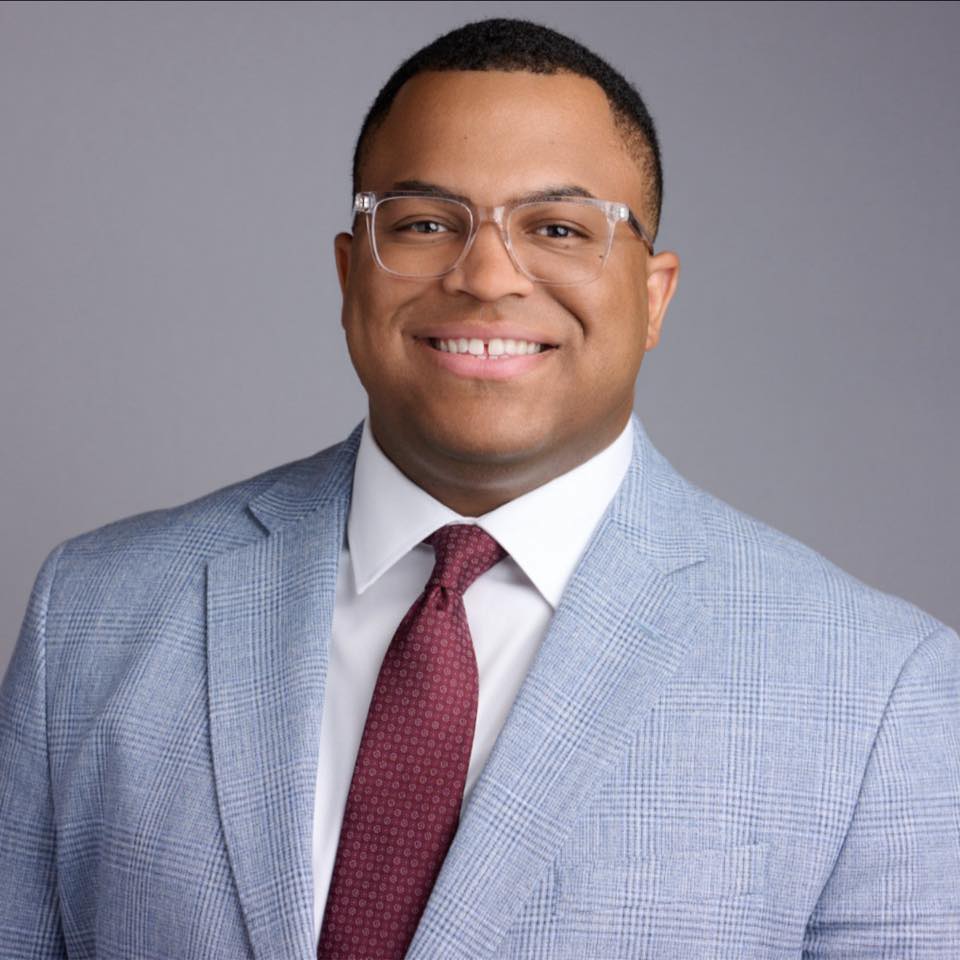
Marquis Carroll, Founder & CEO, has 15 years in IT and cybersecurity. He builds every automation the way he'd secure it.